← All apps
macOS
Release Preflight
Check for exposed secrets and development settings before you ship software.
macOS 14+$24.99 · one-time purchaseEnglish & Japanese
Store information checked: 2026-11-10 · Check the store for current prices and regional availability.
A SMALL TOOL FOR A REAL TASKGive your release files a final check.
For indie developers and small teams. Select what you plan to distribute and review possible secrets, development settings, and other findings before sharing it.
What it does
- Inspect selected folders, ZIPs, macOS apps, and Xcode archives on your Mac
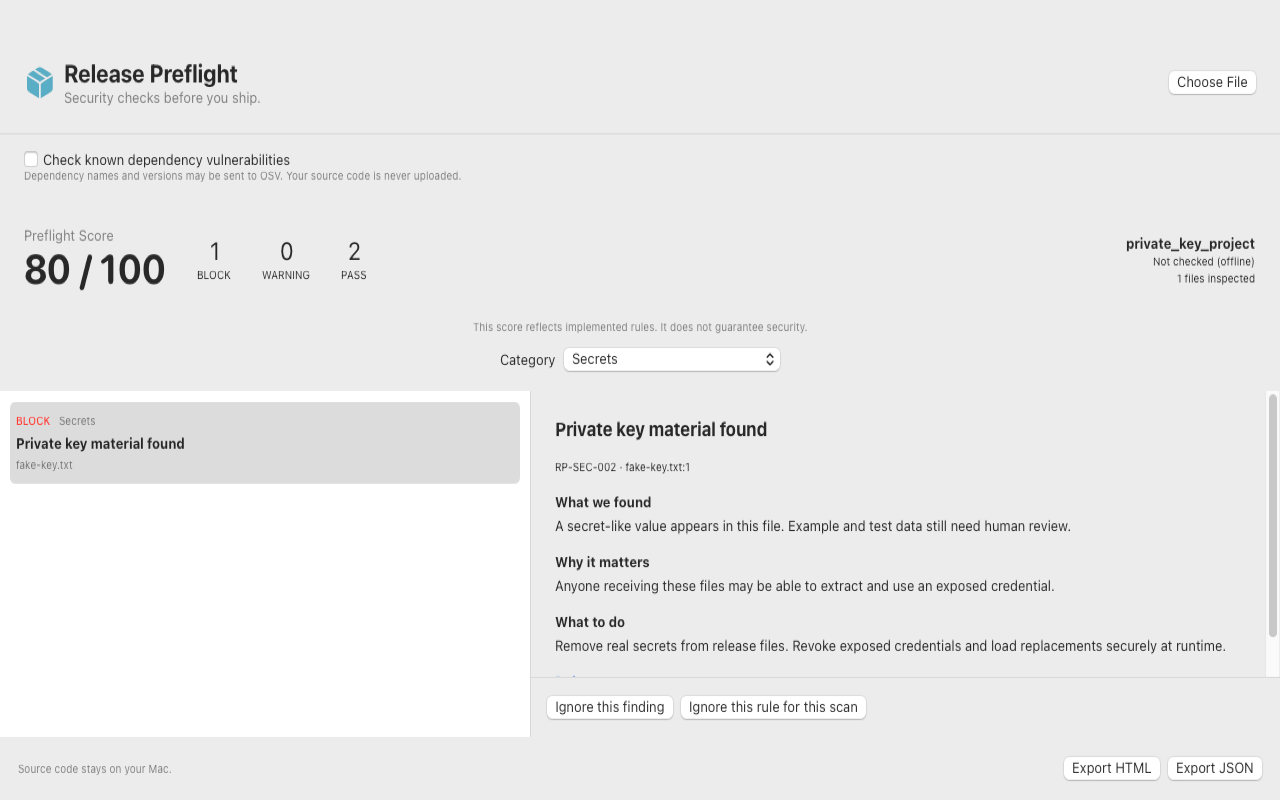
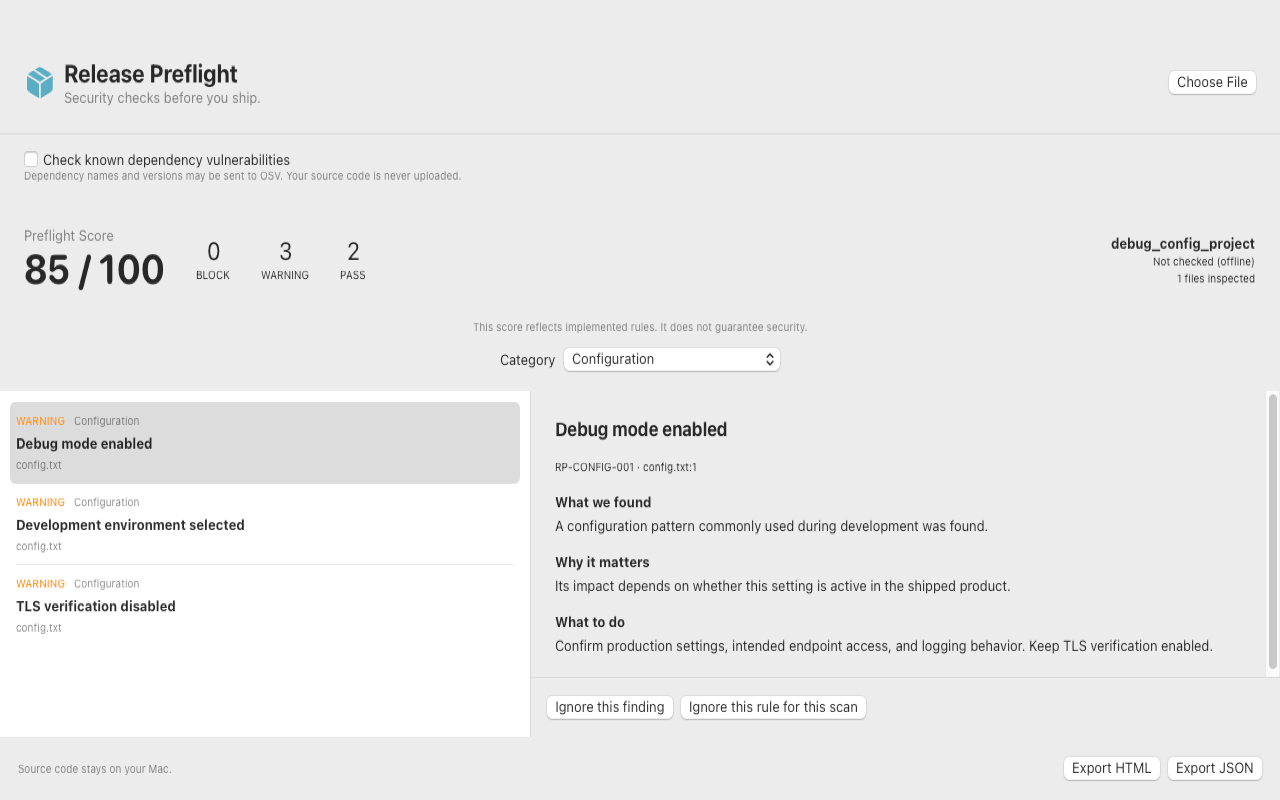
- Flag patterns that resemble API keys or private keys, plus sensitive files, development endpoints, and debug settings. Secret values are masked in the app and reports.
- Inspect property lists, entitlement files, and signed app entitlement metadata
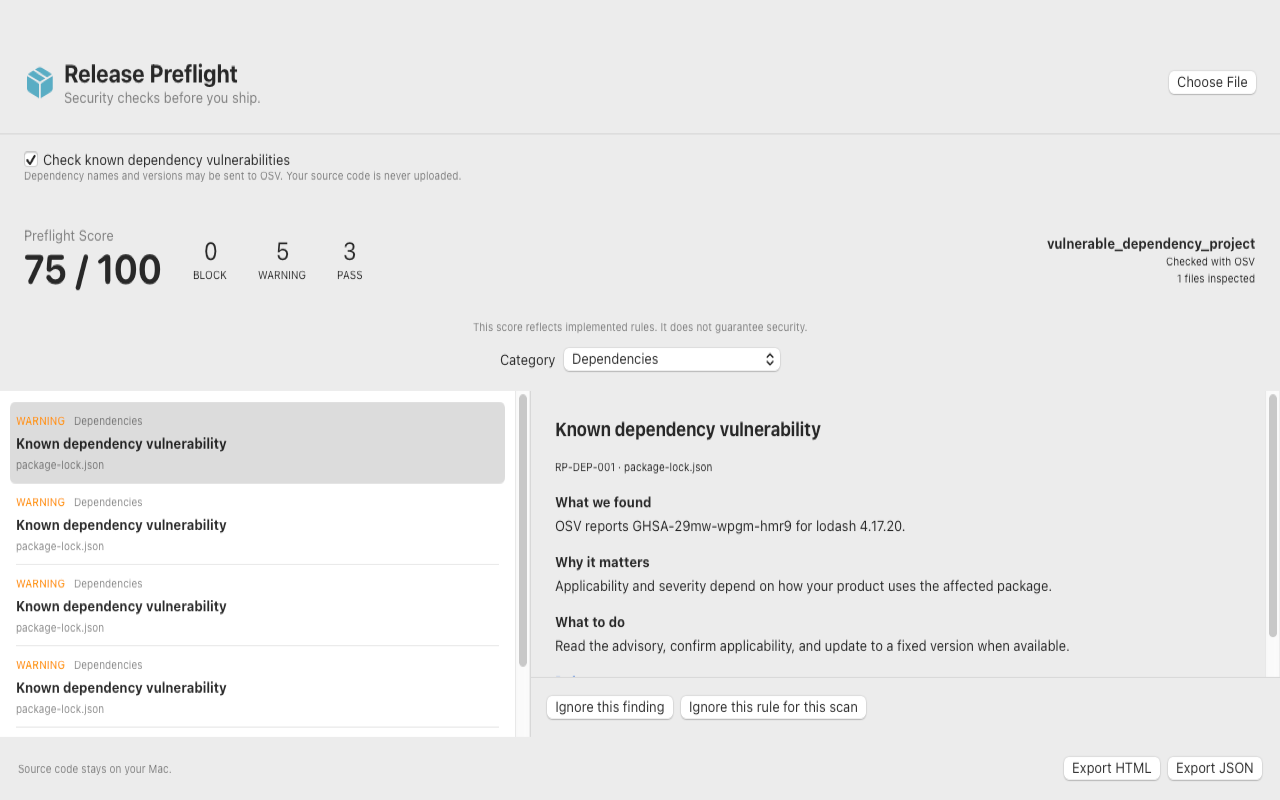
- List dependencies from supported manifests and lockfiles. Optionally look up known advisories for exact npm, PyPI, crates.io, and RubyGems versions through OSV.
- Review why each finding was flagged, see suggested next steps, and export HTML or JSON reports
Important limitations
- Passive checks cover specific rules and patterns. A clean result or high score does not establish that a release is secure.
- The app leaves originals intact. Excluded, unreadable, large, and binary content may need separate review.
- Swift packages are listed for manual advisory review.
PRIVACY, EXPLAINEDPrivacy characteristics
Source code and file contents stay on your Mac. OSV lookup is off by default. When enabled, it sends the package ecosystem, name, version, and any required OSV pagination tokens. OSV sees the connection’s IP address.
Read this app’s privacy policy ↗GOOD TO KNOW
Common questions
Can I use it offline?
Yes. The standard scan runs on your Mac. The optional OSV dependency lookup requires an internet connection.
Does it change my files?
Inspection is read-only. ZIPs are read without extraction, and you can use the findings to make any changes yourself.
Can it find every vulnerability?
It applies a defined set of rules and can look up known dependency advisories when OSV lookup is enabled. Review runtime behavior and advisory applicability separately.
Need a hand?
Tell us the app name, OS version, and what happened.